
Event Organiser Guide
Everything you need to set up and run a live photo montage at your event — from purchase to the big screen.
Head to livegallery.photos and sign in with your email. From the dashboard, tap the + Create Event button and choose the package that fits your event:
- Free — 8 photos, great for a quick test
- Holiday — 36 photos, ideal for small gatherings
- Party — 144 photos, perfect for birthdays & celebrations
- Wedding — 288 photos, built for your big day
- Corporate — 576 photos, for conferences & large events
Fill in the event name, date, and your email. If you have a promo code, enter it before checkout for a discount.
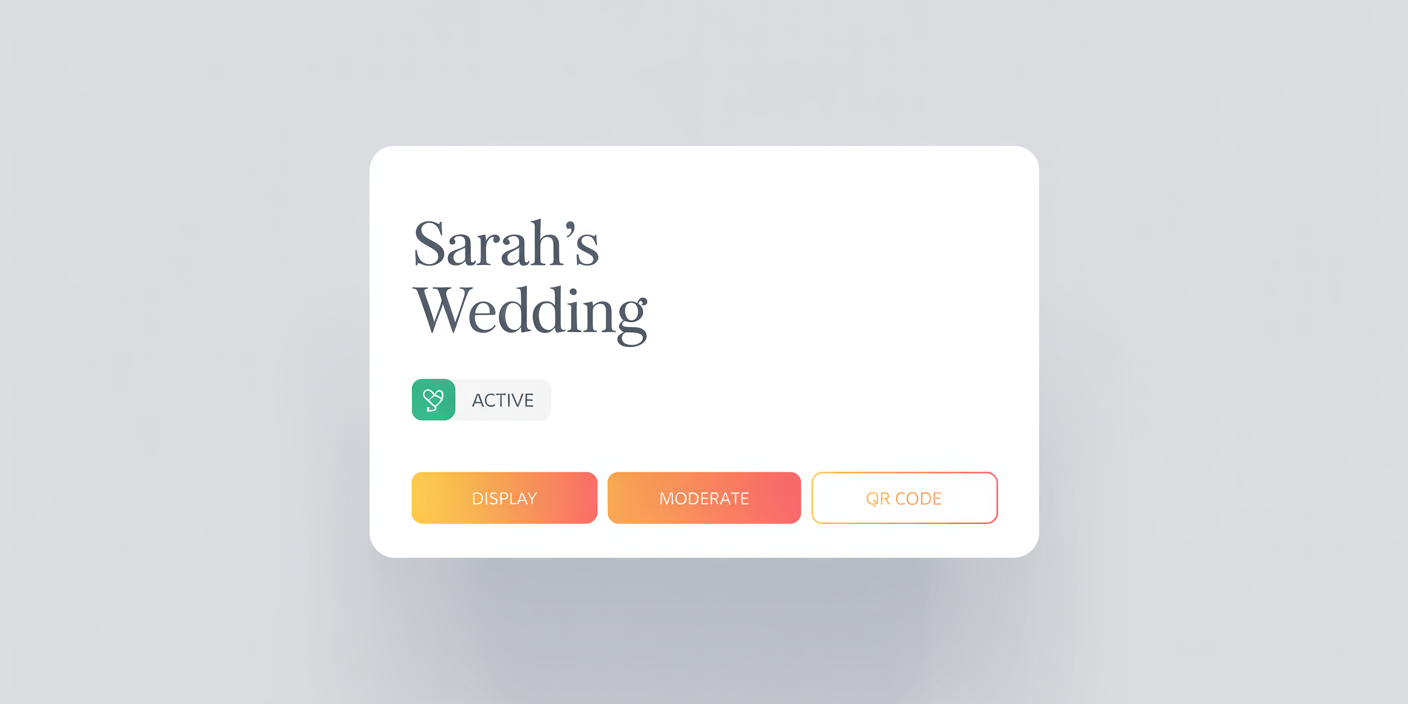
Your event dashboard — each event has its own card with quick-access buttons
Once your event is created, you'll see two PINs on your dashboard. Click the eye icon to reveal each one:
📸 Photographer PIN
Give this to your photographer. It lets them upload multiple photos at once without the usual one-at-a-time guest limit. Perfect for a professional shooting throughout the event.
🛡️ Moderator PIN
Keep this for yourself or a trusted helper. The moderator can review, approve, or remove photos before they appear on screen. Essential for keeping things appropriate.
On your dashboard, you'll see these buttons for each event:
📋 Day-of Checklist
Questions? Email us at [email protected]